Markers
Figure below shows various marker icons representing different markers on the map.
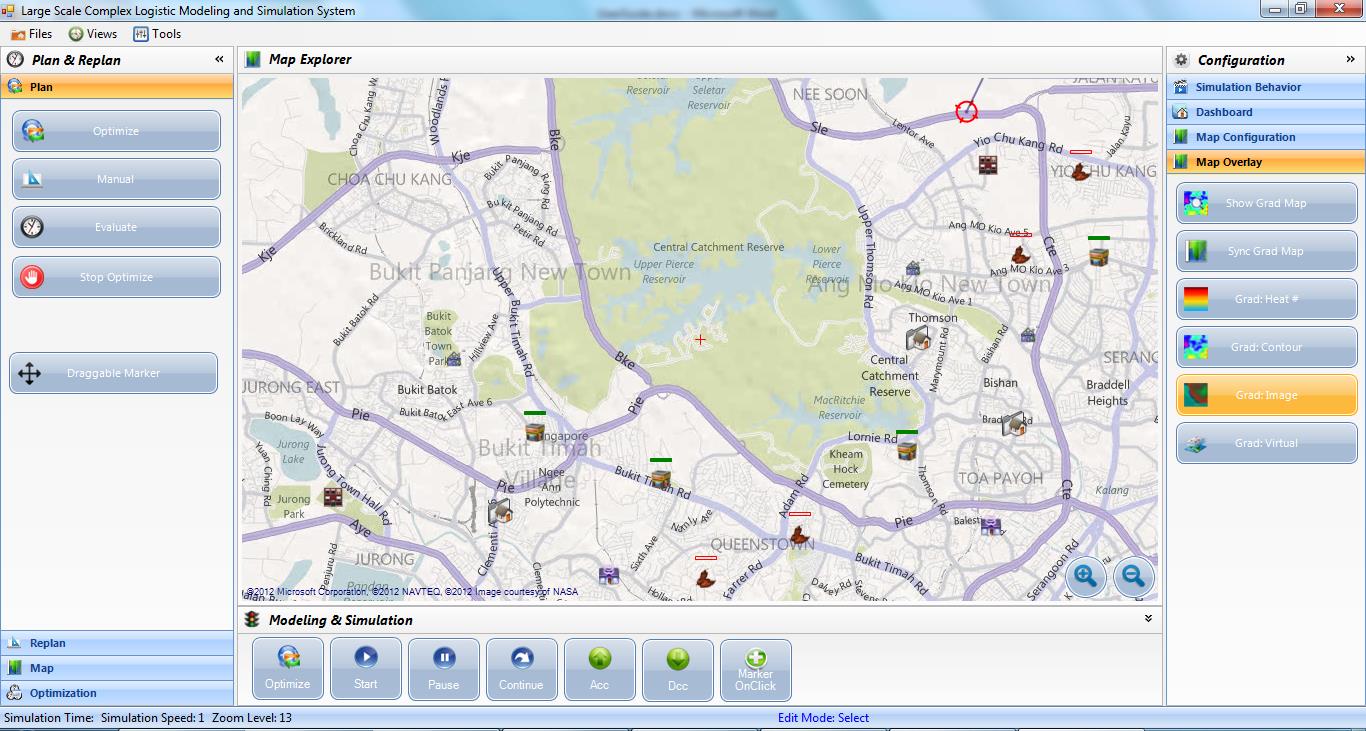
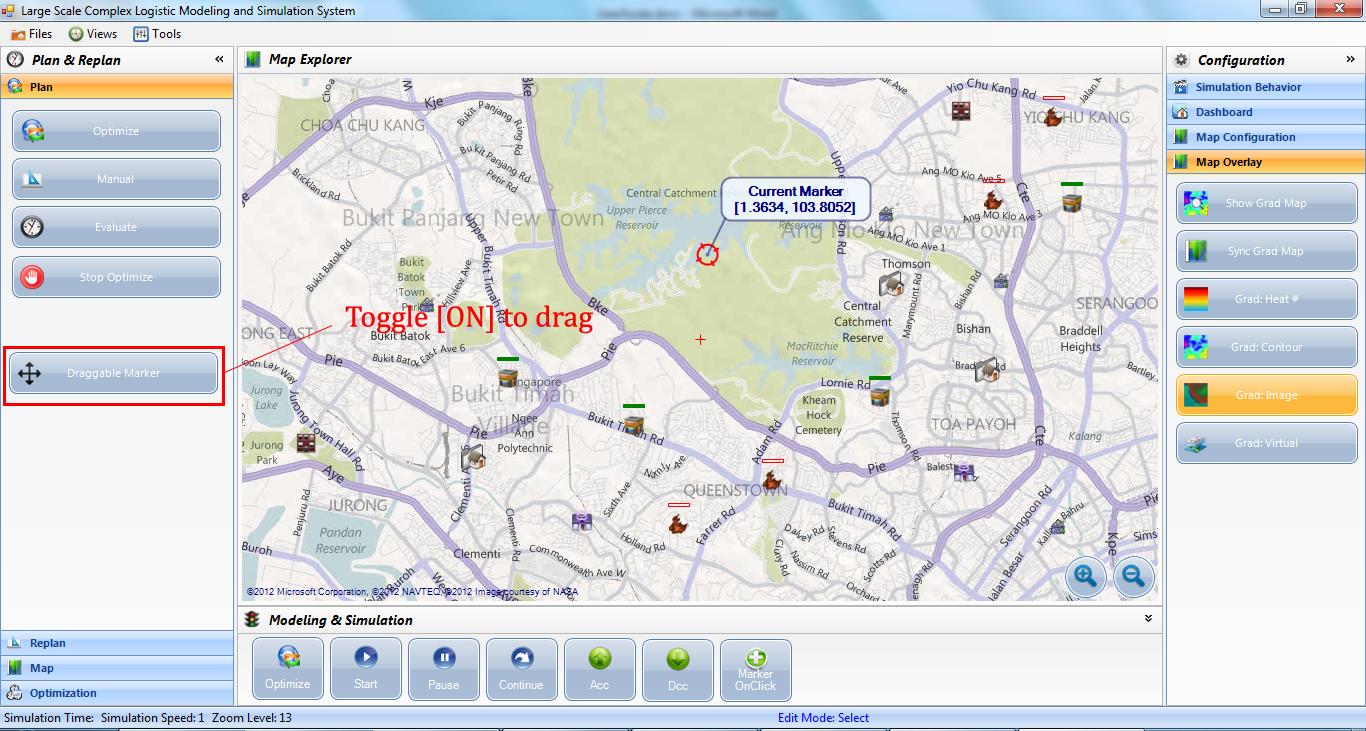
To make it convenient for user to change the marker's location on the map, a drag and drop function has been implemented in LesCaS. This is done by toggling the Draggable Marker ON and drag a marker icon and drop it to the new location. Once the marker icon has been dragged and dropped to the new location, its location information will automatically be updated by LesCaS.
After the markers are created, user can save the configurations into a file by using the Save Instance and Open Instance functions from LesCaS. User can clear all the markers on the map and restart by clicking the New Instance button.
